
Human-agent interaction
The most useful answer is one a person can question again. CLIO lets a person point to evidence in a view and send that context back to the agent.
Select an observation with a click, drag a box around several, or Ctrl-click to select a trajectory. Shift-click adds or removes observations. Reference this attaches the selected records and current filters to your next question.
What this unlocks
Section titled “What this unlocks”Ask about a specific change or an unusual observation without describing where it is or copying its values. CLIO receives the data behind your selection.
Choose Capture labelled regions, draw a box, and add a comment. Add region to message carries the image and marked area into your request.
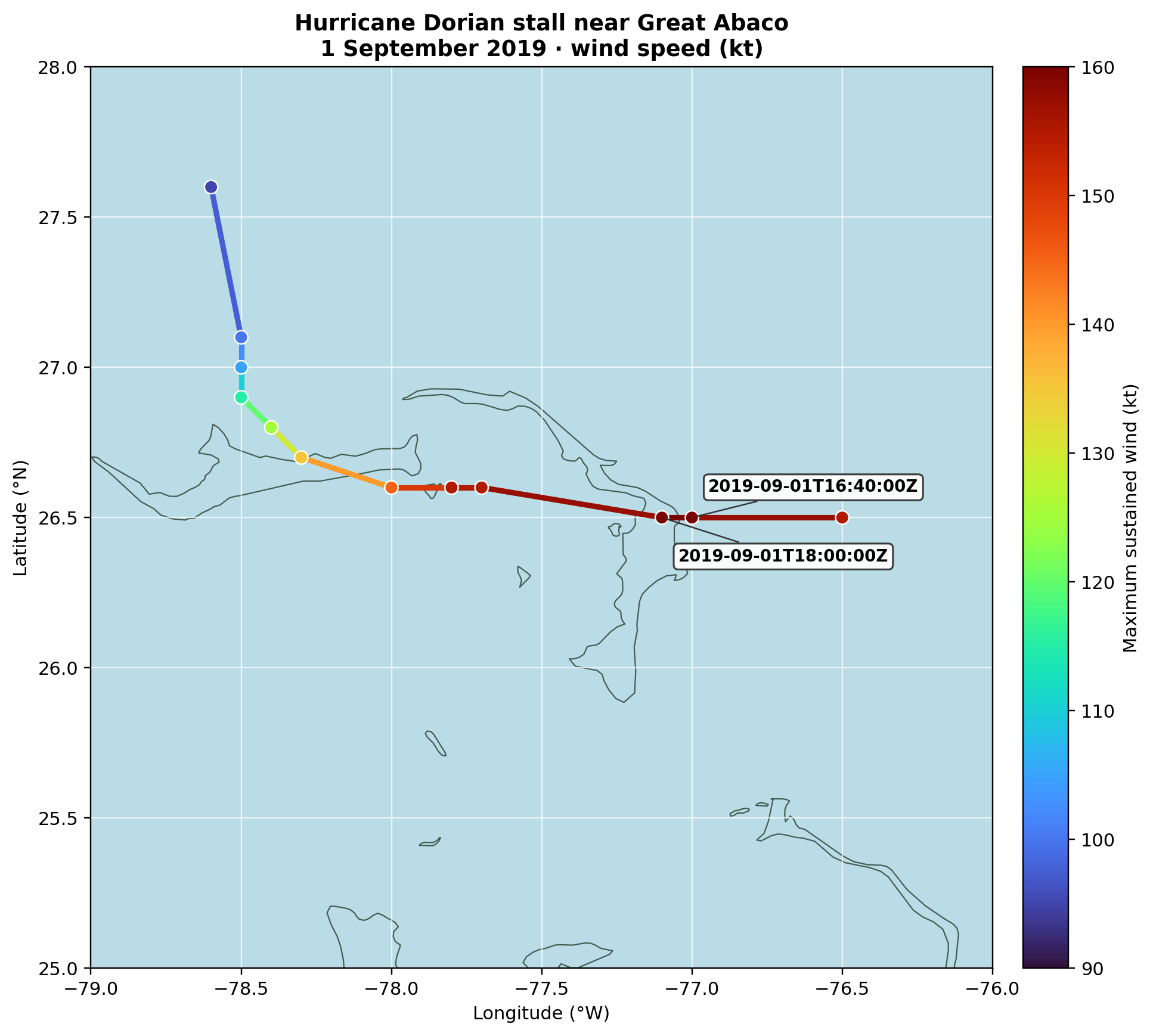
Download the generated figure · Download the hurricane observations used in these recordings
What this unlocks
Section titled “What this unlocks”Point to a spatial detail and ask CLIO to explain it, compare it, or make a new image from it. The marked region gives your words a visible location.
Try the controls
Section titled “Try the controls”Selection, filtering, reference, and region-capture controls are available in the sample widgets throughout these pages, wherever the view supports them.